
Manage all courses and dishes without editing code. Changes are applied to the public booking form when saved.
Create additional menus here. Rename and delete controls are available on each menu heading above.
Manage the bottles and prices customers can pre-order. These apply across all menus.
Three adjustable guest ranges. Each price is a single fixed charge per event, not a per-person fee. Changes apply to quotations calculated after saving.
Guests 4–5
Guests 6+
Change the pub name and small subtitle shown in the booking screen's top bar.
Choose the main pub photograph shown at the top of the public booking form.
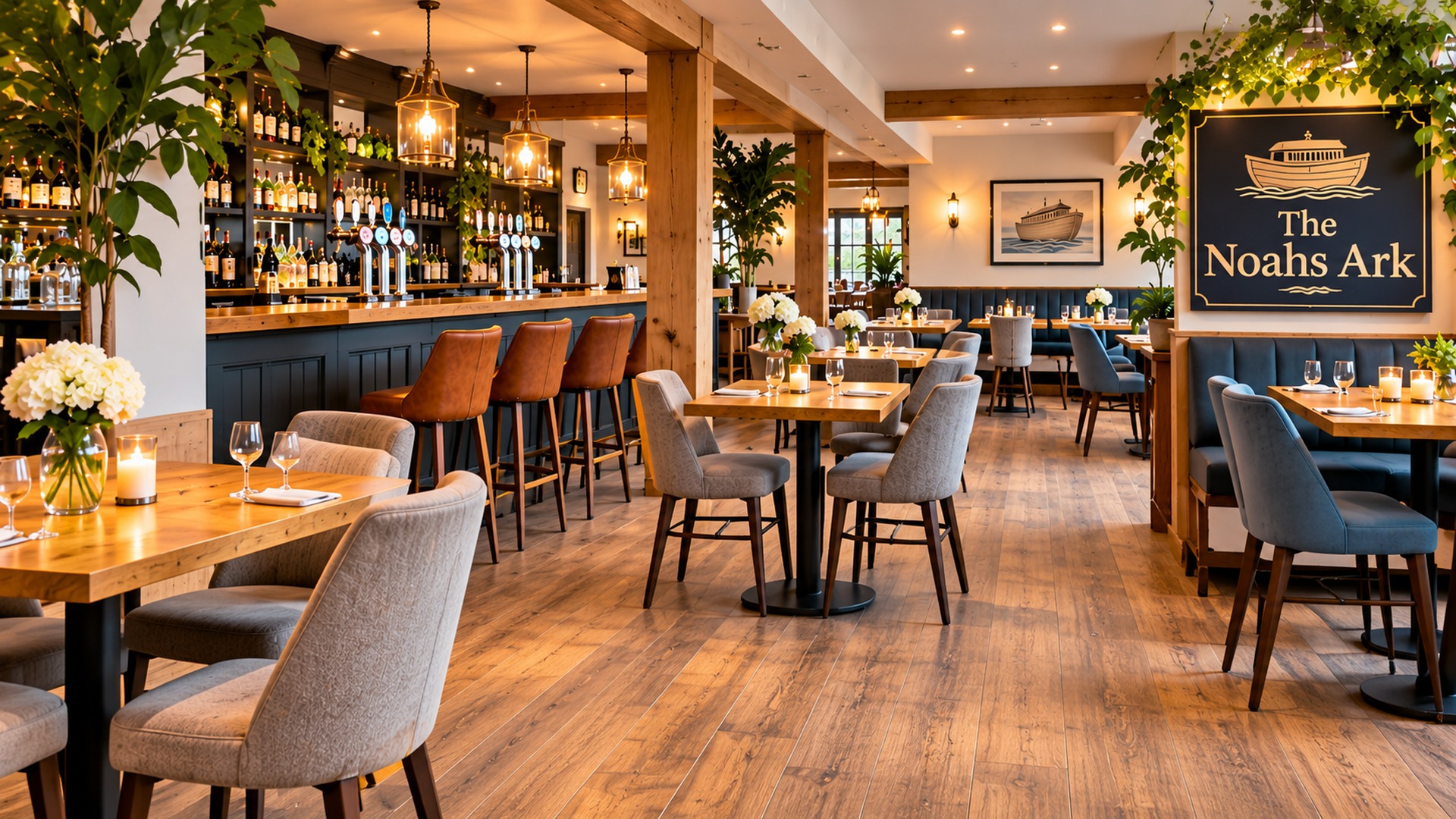
Recommended image size: 1920 × 1080 pixels (16:9).
Use a high-quality JPG or PNG, ideally no larger than 5 MB.
These details and the pub logo are intended for the customer quotation. They are separate from the booking form header photograph.
The logo is best supplied as a transparent PNG. These details are saved for use on customer quotations.
Choose where booking requests and copies are sent. These settings are saved separately from menu changes.